

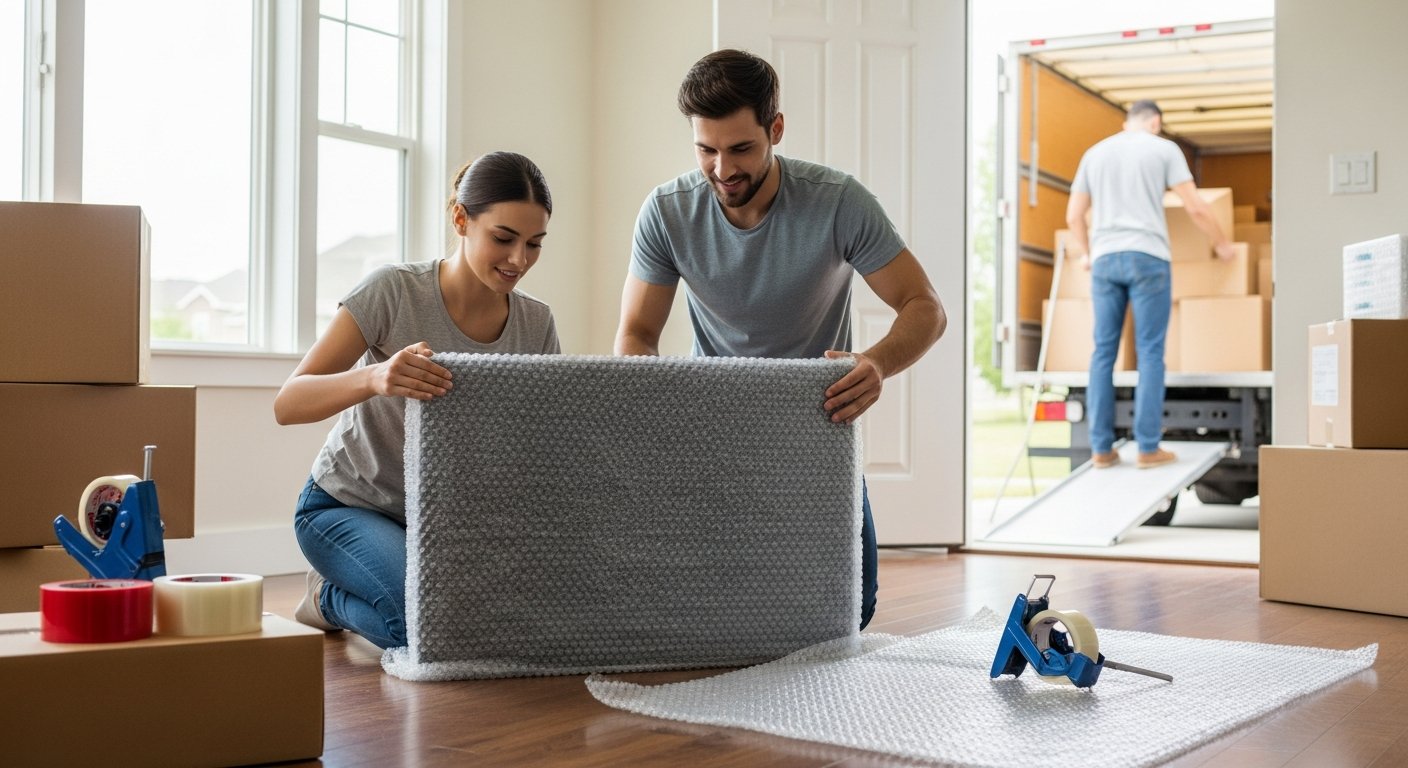
Your laptop, gaming console, and smart TV are among the most valuable items you own, both financially and functionally. A single bump or scratch can turn a working device into an expensive paperweight. That is why knowing how to pack electronics for moving safely is not just a nice-to-have skill. It is a necessity that protects your investment and saves you from the headache of replacements. This guide walks you through every step, from gathering the right materials to loading boxes onto the truck, so your gear arrives in perfect working order.
Essential Supplies for Packing Electronics
Before you touch a single cable or screen, you need the right tools. Standard cardboard boxes and newspaper will not cut it for sensitive electronics. Static electricity, moisture, and impact are your main enemies here. Investing in proper materials is the first step to mastering how to pack electronics for moving safely.
Start with these core items:
- Anti-static bubble wrap: Regular bubble wrap can generate static charges. Anti-static versions prevent this, protecting circuit boards from electrostatic discharge.
- Original boxes: The best containers for your devices. They are molded to fit the exact shape of your TV, monitor, or printer, providing superior protection.
- Heavy-duty moving boxes: If you do not have the originals, use double-walled boxes rated for heavy items. A standard single-wall box can collapse under the weight of a desktop computer.
- Packing tape and a tape gun: Secure all seams on the bottom and top of each box. A tape gun makes the process faster and more secure than hand-tearing tape.
- Ziplock bags and a marker: These are for organizing and labeling cables, screws, and small accessories. Never throw loose cables into a box with a device.
Once you have gathered these supplies, you are ready to begin the process. Do not skip on quality here. The few extra dollars you spend on anti-static wrap and sturdy boxes are far less than the cost of replacing a damaged hard drive or motherboard.
Step-by-Step Preparation Before Packing
Preparation is half the battle. Rushing into packing without a plan often leads to lost parts and broken screens. Follow this sequence to ensure nothing is overlooked.
Back Up Your Data
This is the most critical step. A hard drive can fail from a jolt even if the device looks fine from the outside. Back up all important files to a cloud service or an external drive that you will carry with you, not pack in the moving truck. For business laptops or family computers, this step alone can save you from a total loss of irreplaceable photos, documents, and work files. Do not skip this step, even for a short local move.
Remove Cables and Accessories
Unplug every cable, adapter, and peripheral. Store them separately in labeled Ziplock bags. For example, place the power cord for your monitor in a bag marked “Monitor Power Cord” and tape that bag to the monitor itself or place it inside the box with the monitor. This simple habit eliminates the guessing game of “which cord goes where” when you unpack at your new home. It also prevents cables from snagging on ports and breaking delicate connectors during transit.
Take Photos of Your Setup
Before disconnecting everything, snap a photo of the back of your desk or entertainment center. This visual map will be invaluable when you need to reconnect your devices. You will know exactly which cable goes into which port without having to trace wires or consult manuals. It takes two minutes and saves hours of frustration later.
How to Pack Specific Electronics
Different devices require different techniques. A flat-screen TV has different vulnerabilities than a desktop computer tower. Here is how to handle the most common items.
Televisions and Monitors
These are the most fragile and expensive items you will pack. If you have the original box, use it. It is designed with foam inserts that cradle the screen and absorb shocks. If you do not have it, get a TV-specific moving box from a moving supply store. Place the screen face-down on a clean, soft surface. Wrap the entire unit in anti-static bubble wrap, paying special attention to the corners. Use a minimum of three layers. Slide the wrapped TV into the box vertically, never flat. A flat position puts pressure on the screen panel and can cause cracking. Fill any empty space with crumpled packing paper to prevent shifting. In our guide on how to pack breakable items for moving safely, we emphasize the same principle: immobilization is key.
Desktop Computers and Towers
Your computer tower is heavy and full of sensitive components. First, shut it down properly and unplug everything. Remove any loose items like USB drives or discs from the drives. Use anti-static bubble wrap to cover the entire tower. Place it in a box that is slightly larger than the tower itself, then fill the gaps with packing paper or foam peanuts. Do not use newspaper. The ink can transfer to the case. Label the box “Fragile: Computer Tower” and mark which side should stay upright. Consider removing the graphics card and hard drive if you are comfortable doing so. These components are heavy and can snap off their mounts during a hard bump.
Laptops and Tablets
These are easier to pack but still need care. Shut them down completely. Do not put them in sleep mode. A slight movement can wake them and start the fan, potentially causing damage. Wrap each device in a layer of anti-static bubble wrap or a soft microfiber cloth. Place them in a padded laptop sleeve if you have one. Then put them in a small box with cushioning material on all sides. Do not pack them in the same box as heavy items like books or kitchen appliances. The best approach is to carry laptops and tablets with you in your personal vehicle if possible.
Printers and Scanners
Printers have moving parts, ink cartridges, and toner that can leak. Remove any ink or toner cartridges and place them in a sealed Ziplock bag. This prevents leaks from ruining the printer and other items. Secure any moving parts, like the paper tray or scanner lid, with packing tape. Wrap the printer in bubble wrap and place it in a box. Fill empty space with packing paper. For large office printers, consider having them professionally packed or use the original box.
Safe Packing Techniques for Cords and Accessories
Cords and accessories are often an afterthought, but they are essential for your devices to function. Packing them properly ensures you can set everything up without hunting for missing cables.
The best method is the “bag-and-tag” system. For each major device, gather all its associated cables, remote controls, and small parts. Place them in a single Ziplock bag. Use a permanent marker to write on the bag: “Cables for Sony TV” or “Logitech mouse and receiver.” Then tape that bag to the device itself or place it inside the box with the device. This keeps everything together. Avoid coiling cables too tightly. Use loose loops and secure them with a twist tie or Velcro strap. Tight coils can damage the internal wires over time.
Labeling and Box Management
Proper labeling is the final piece of the puzzle. A box marked “Fragile Electronics” is good, but a box marked “Fragile: 32-inch Monitor – This Side Up” is better. Use clear, large letters on multiple sides of the box. Mark the top and sides with arrows indicating which direction should remain upright. Include a brief inventory on the side of the box, such as “Monitor, power cord, HDMI cable.” This helps you verify that nothing is missing when you unpack. It also helps movers handle the box with the appropriate care. If you are using a professional moving company, tell them which boxes contain high-value electronics so they can place them in a secure spot on the truck.
Final Checks Before the Move
As moving day approaches, do a final review. Confirm that all data backups are complete and that the backup drive is in your personal bag, not on the truck. Double-check that all boxes are sealed with tape and that labels are visible. If you are moving long distance, consider purchasing additional moving insurance for your electronics. Standard coverage often provides minimal reimbursement. Extra insurance gives you peace of mind. When the movers arrive, point out the electronics boxes and ask them to load them last and unload them first. This minimizes the time they spend bouncing around on the truck.
By following these steps, you have done everything possible to ensure your electronics survive the journey. The effort you put into proper packing now will pay off when you unpack your gear at your new home and it all powers on without a hitch. A little preparation goes a long way in protecting the devices that power your daily life.